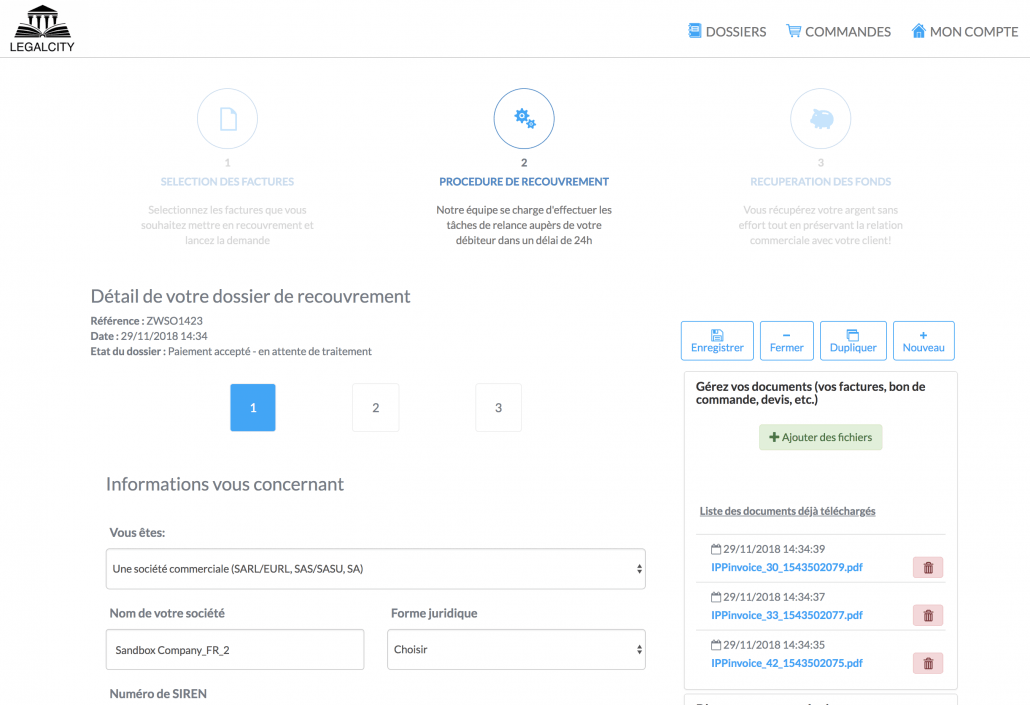
Simplified debt collection
Thanks to QuickBooks Connect, download your unpaid invoices in 1 click and entrust them to a specialist in amicable collection.
Free telephone assistance
01 75 85 85 16


A competent and available team is at your disposal from Monday to Friday from 9am to 7pm to guide you through all the stages of managing your unpaid bills and those of your customers.
You delegate 100% of the reminders to us, we take care of everything!

Knowing how to manage unpaid invoices is an important issue for many companies. To help its clients control their debt collection, the firm BMS Conseil has opted for the QuickBooks x LegalCity combo. Discover its experience feedback!
Late payments and unpaid invoices affect a company's working capital requirement (WCR) or days sales outsourcing (DSO), which regularly leads to cash flow problems.
Go to our Legalcity For QBO app to create your account and enjoy all the benefits of connecting to your billing tool.
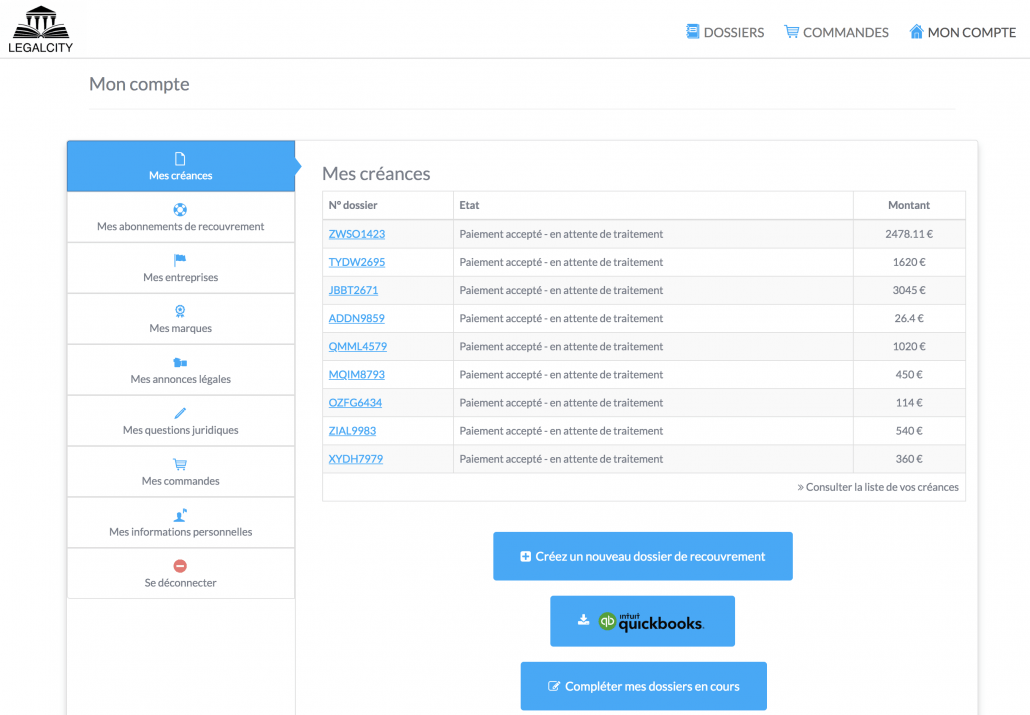
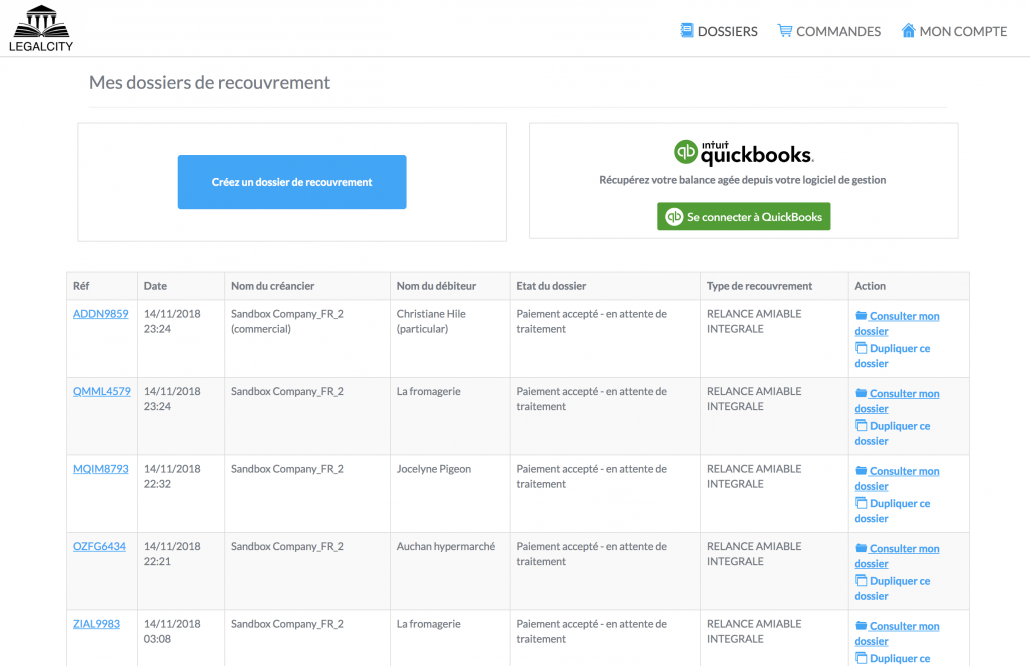
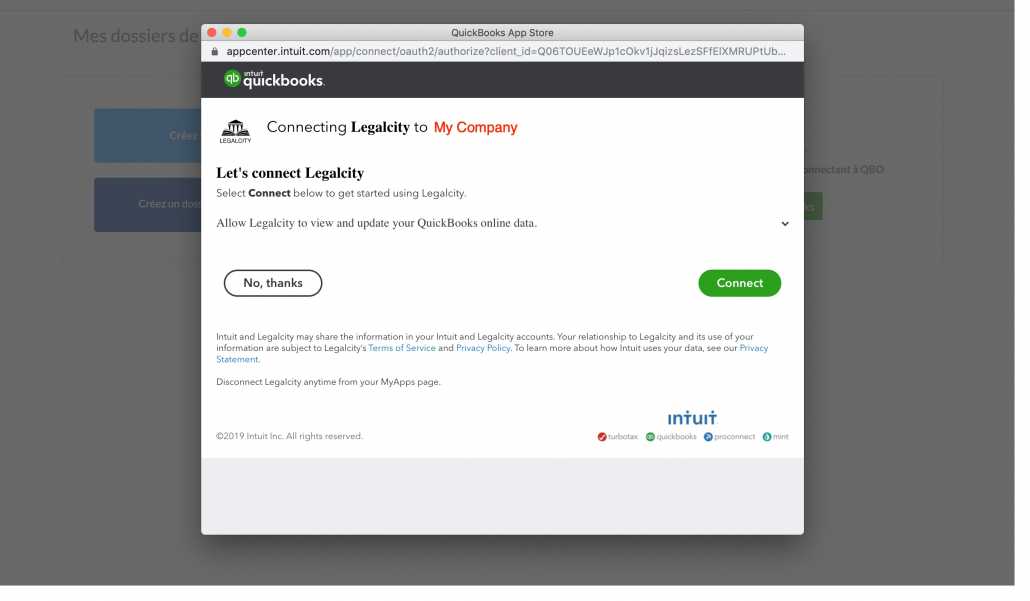
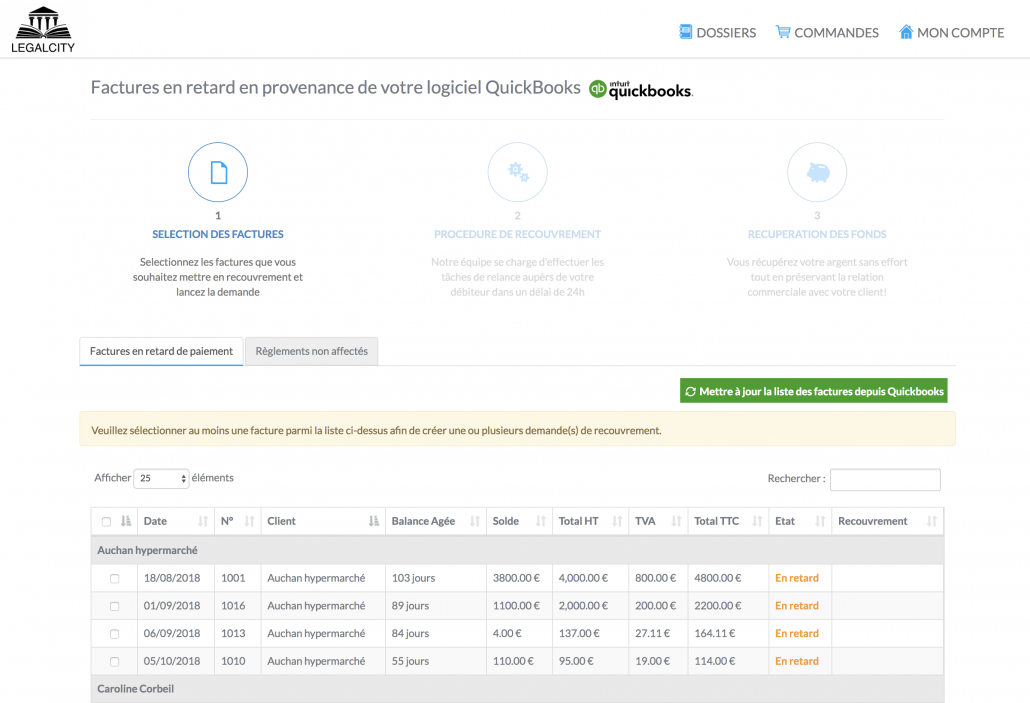
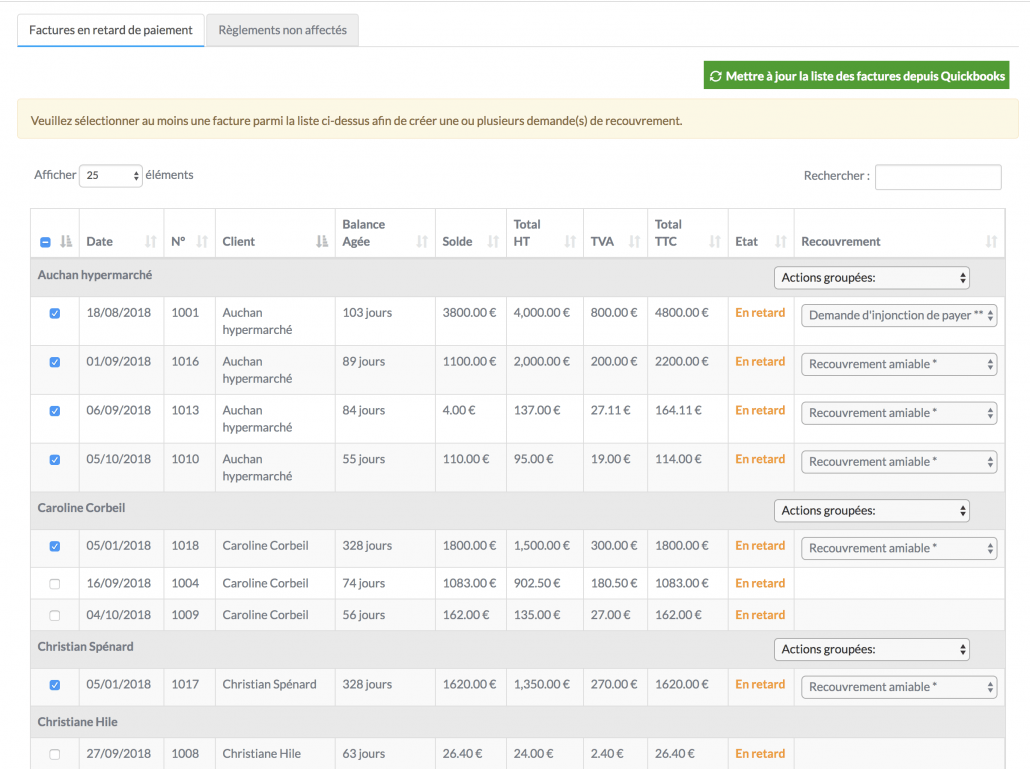
From your Legalcity space, click on the QuickBooks logo to log into your account and retrieve your overdue invoices. Once logged in you will be able to see all your overdue invoices.
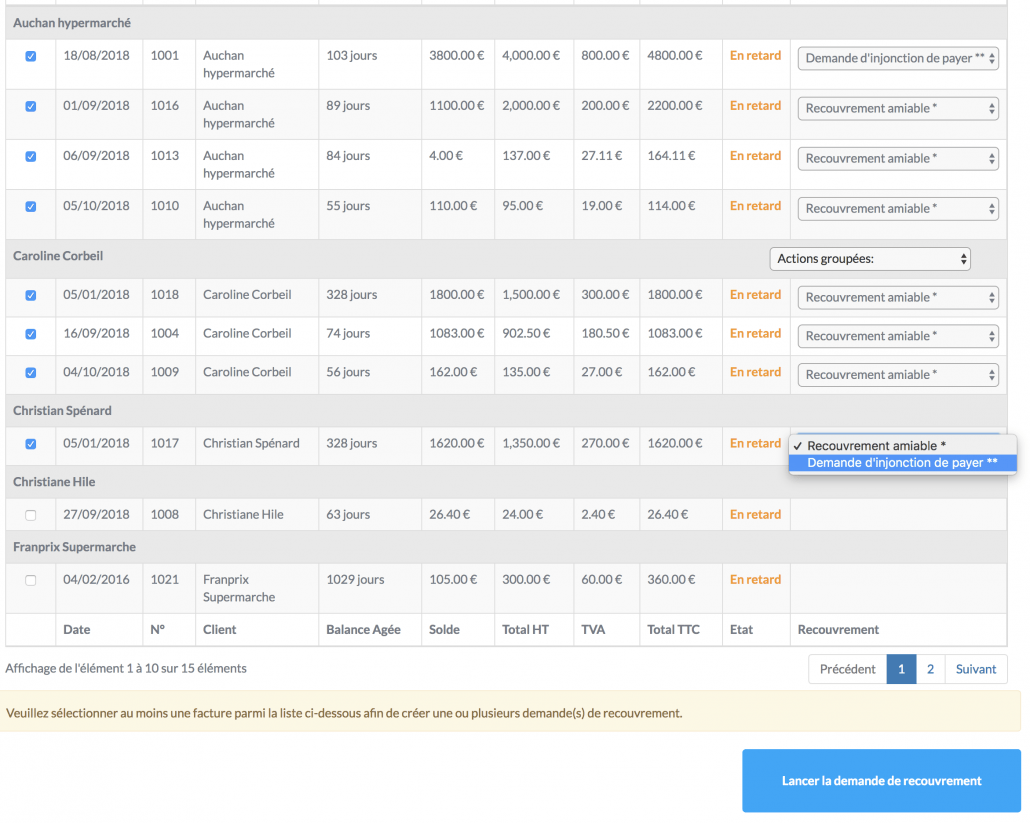
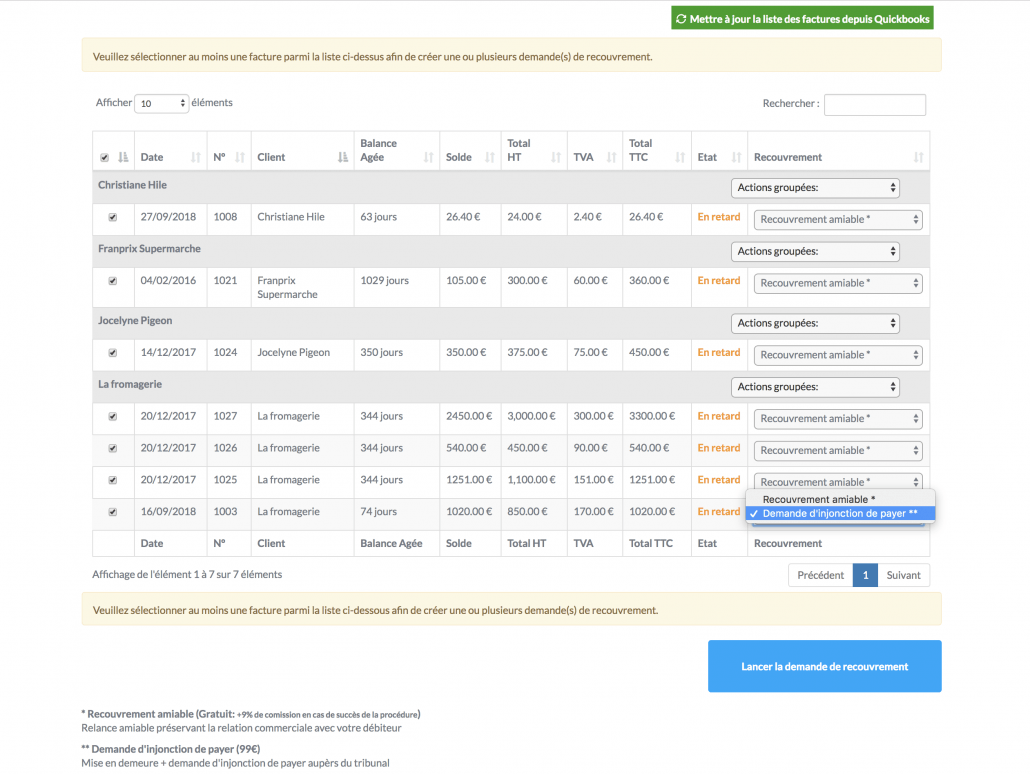
Select the invoices you wish to entrust to us and indicate the type of procedure, then click on "launch the collection request".
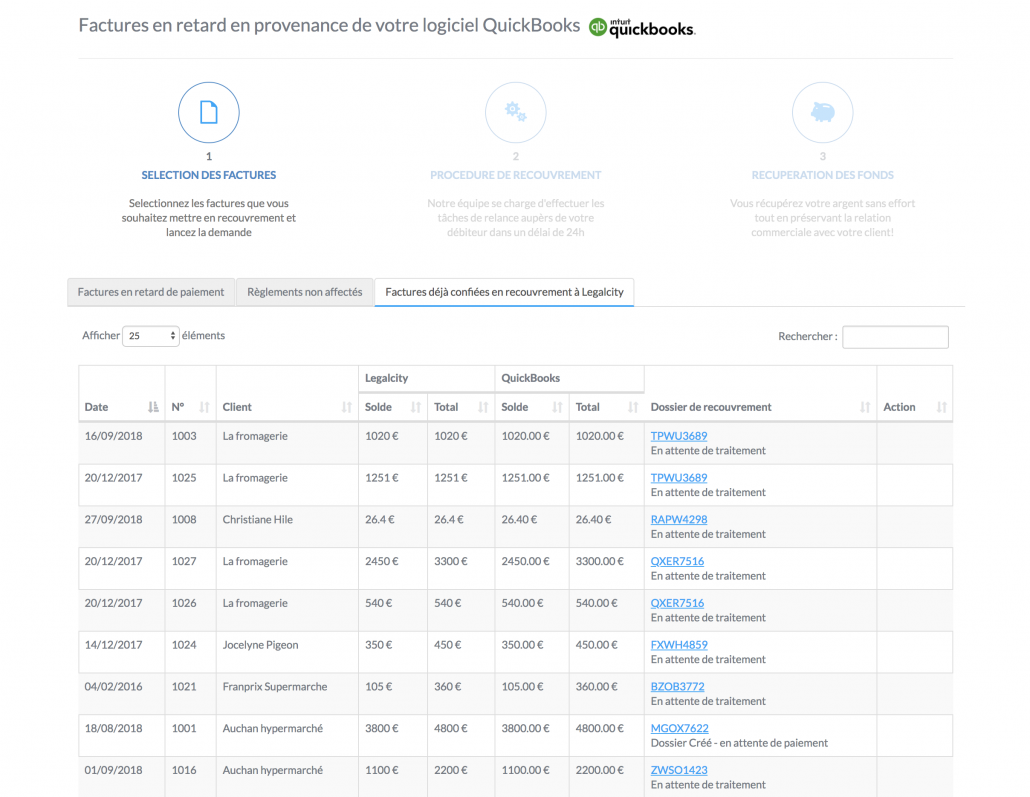
Follow all your files directly from your Legalcity client space and talk with our collection agents throughout the process until you get your money back.
In debt collection, there is a golden rule: you must act quickly! The earlier the unpaid debt is entrusted to us, the higher the chances of recovery. In order to be able to entrust your unpaid debt to a collection agency such as ours, your debt must be certain, liquid and due. In other words, it must result from the sale of a product or a service, the amount of which is defined and the due date has passed.
Our success rate is over 80%. Some cases are settled very quickly, others within a few weeks. It depends mainly on the solvency of the debtor and the proofs you have about your debt that you will not fail to transmit to us via your customer area.
We process all files with no high or low price limit. There is no minimum amount. Our business model allows you to collect debts as low as 15 euros! Moreover, we do not charge a minimum fee.